
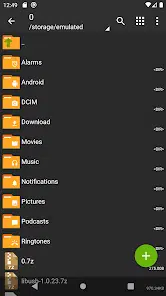
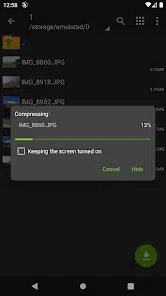
ZArchiver is a utility app designed for Android that focuses on archive and file management. If you often deal with compressed files, large data sets, or simply need a reliable tool to organise your device’s storage, ZArchiver is one of the top choices available.
About ZArchiver
This app falls under the “file management / archive” category. It allows you to compress, decompress and manage a variety of archive formats directly on your mobile device. You can create archives in formats like ZIP, 7z, TAR, GZIP, BZIP2 and XZ, and also extract files from formats including ZIP, RAR, ISO, TAR and many more. One standout capability is viewing the contents of an archive before fully extracting it — which helps save time and storage space. The app also supports password-protected archives and lets users add or remove files within an archive without needing to unpack and repack the whole thing. Because it’s lean and efficient, it works smoothly even on older or lower-spec Android devices.
Key Features of ZArchiver
• Support for wide range of archive formats (ZIP, 7z, TAR, RAR, etc.)
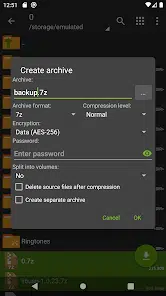
• Create new archives and compress files directly from device
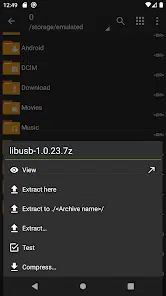
• Extract archives, including multi-part splits, and view contents before extraction
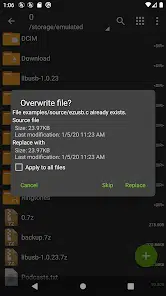
• Edit existing archives by adding or removing files without full extraction
• Password-protect archives and support for Unicode filenames
• Lightweight and efficient, minimal permissions required
FAQs about ZArchiver
Yes, it supports multi-part archives (for example files with parts like .001, .rar, etc.) and can extract them properly on Android.
Not really. The interface is straightforward: select a file, choose “Extract” or “Compress”, pick settings. Advanced users will appreciate the deeper archive editing features, but beginners can get started quickly.
Yes, the app is lightweight and designed to work on a wide range of Android versions without heavy resource demands.