
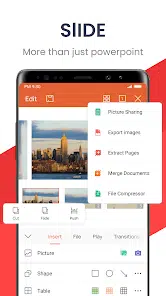
FilesCEO aims to help users find useful and reliable apps for everyday tasks, work and study. One of the popular productivity apps available is WPS Office, an all-in-one mobile office suite. It allows users to create, edit and view different types of documents right from their phone. This makes it a convenient choice for students, professionals and anyone who needs to handle files on the go.
About WPS Office
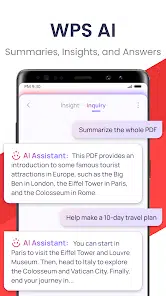
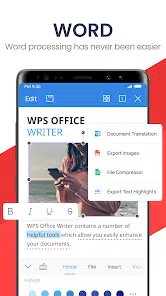
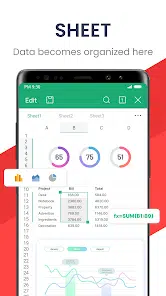
WPS Office covers several document categories in one place. It includes a word processor for writing notes, reports and assignments. It also has spreadsheet tools for calculations, budgets and data entry. The presentation feature helps users create slides for meetings or school presentations. In addition, WPS Office supports PDF viewing and editing, making it useful for reading e-books, reviewing contracts or signing forms. The app is designed to be lightweight and user-friendly, so it works smoothly on most Android devices, even with limited storage or memory.
Key features of WPS Office
• Supports Word, Excel, PowerPoint and PDF formats
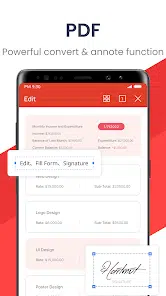
• Built-in PDF tools for reading, signing and annotating documents
• Cloud syncing options for saving and accessing files across devices
• Offers free templates for resumes, notes, slides and reports
• Mobile-optimized layout for easy editing on small screens
FAQs about WPS Office
Yes. The app provides free features, while some advanced tools may require a premium upgrade.
Yes. Most editing features work offline. Internet is only needed for cloud backup or online templates.
Yes. You can convert documents to PDF directly inside the app.